
Cinely: Your AI Movie Maker
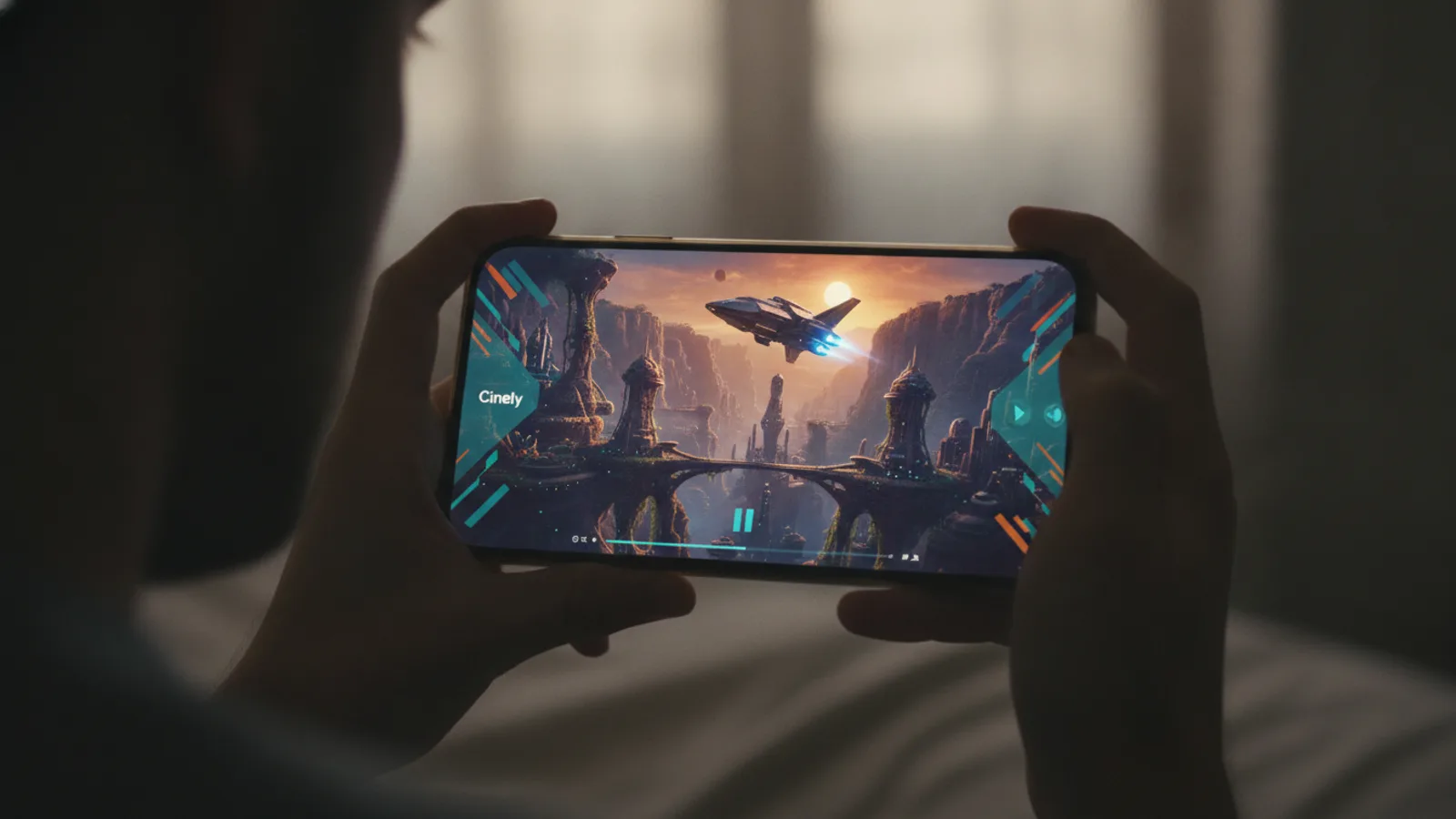
Cinely is an AI movie maker. You come up with an idea, write a simple prompt, and it generates cinematic scenes for you, one story beat at a time. It’s a complete creative platform where you can do three main things: create AI movies, watch serialized series published by other creators, and potentially earn rewards as a creator yourself. You can access it on the web or download the iOS and Android apps, all syncing to a single account, so your stories move with you.
You don't start with a blank slate. Cinely provides genre templates to spark your imagination. These templates offer a starting point, a mood, or a classic story structure to riff on. Want to craft a fantasy epic or a chilling horror short? Begin with the fantasy or horror template. For a witty character-driven story, try comedy. The most engaging feature might be interactive stories. In these, you don’t just watch passively; your choices at key moments decide what scene comes next, turning viewers into co-writers of the narrative.
How to Create an AI Movie on Cinely
Creating a movie starts with a single prompt. Think of it as a pitch: “A cyberpunk detective finds a glitch in reality” or “A romantic comedy where the meet-cute happens in a laundromat during a blackout.” You type that into the creation interface. The AI then begins building your story visually, generating the first scene based on your idea. It proceeds one beat at a time, allowing you to guide the direction.
A practical workflow looks like this:
- Choose a Starting Point: Select 'Create' and either pick a genre template (like sci-fi for a tech-themed story) or start completely from scratch with your own prompt.
- Write Your Prompt: Be specific about character, setting, and initial conflict. “An archaeologist nervously enters a tomb glowing with blue light” works better than just “a scary tomb.”
- Generate and Guide: The AI creates the first scene. Use the editing tools to tweak the camera shot (close-up, wide), character emotions, or the on-screen text captions.
- Build the Sequence: Write the next story beat or add a character decision point to create a branch. You control the pacing.
- Publish: Finalize your movie or interactive story and share it with the community from your profile.
A common mistake is writing overly vague prompts. “A guy in a city” gives the AI too little to work with, often leading to generic visuals. “A tired courier navigating rainy neon alleyways on a floating bike” provides clear visual cues for a more compelling scene.
What Can You Watch on Cinely?
Cinely isn’t just a creation tool; it's also a streaming platform for AI-generated content. The Watch section is filled with series and movies published by creators from around the world. This is where you discover stories you'd never see anywhere else, from surreal sci-fi sagas to intimate drama series, all visualized through AI.
You can browse content by genre, just like you would when creating. Dive into the tension of a mystery or the adrenaline of an action story. For grounded, everyday dramas, explore slice of life. The most unique viewing experience comes from interactive stories. When you watch one, you’ll periodically be presented with choices that change the outcome. Do the protagonists trust the stranger or run? Your click decides, making every viewing potentially unique. Watching these can also be a great source of inspiration for your own create projects, showing you how other creators structure choices and build tension.
The Creator Ecosystem and Earning Potential
Cinely is built around a community of creators. When you publish your movies and series, you build an audience. As your viewership grows, you can unlock ways to earn through the platform's creator rewards. This system is designed to recognize and support consistent, engaging creators.
The specifics of how rewards are calculated are tied to watch time, engagement, and community interaction. To explore the tools and insights available for growing your channel, you can visit the creator studio. Here, creators can manage their published work, see performance analytics, and understand their audience better. It's the central hub for anyone serious about building a presence on Cinely.
For creators looking to enhance their toolkit, checking out Cinely Premium or the coins system might offer additional creative or promotional advantages. Think of these as optional upgrades that can provide more generation resources, exclusive features, or ways to highlight your work. The core path to building an audience, however, remains creating great, consistent content that resonates with viewers.
Getting Started on Web and Mobile
One of Cinely's strengths is its accessibility. Your creative work isn't locked to one device. You can start a movie on your laptop browser, then pick it up later on your phone during your commute. The experience is seamless, with your account, your drafts, and your published library synchronized everywhere.
To get the full mobile experience, downloading the native app is the best way to go. You can find direct links to the download page from the main site. The app interface is optimized for touch, making it easy to write prompts, make choices in interactive stories, and scroll through your watchlist. Whether you're a creator who works best at a desk or a viewer who consumes content on the go, Cinely adapts to your habits. This cross-platform design means you can capture an idea the moment it strikes, no matter where you are.
Tips for New Cinely Creators
If you're just starting, focus on finishing a short, complete story rather than an epic saga. A 10-scene interactive mystery or a 5-scene romantic comedy is a perfect first project. Use the templates; they’re there to help, not limit you. The romance template, for instance, can guide you on classic story beats you can subvert or embrace.
Engage with the community. Watch other creators' work, especially in the genre you want to create in. See what prompts they use, how they frame shots, and where they place decision points in interactive stories. This isn't copying—it's learning the language of the platform. Finally, experiment. Try making one linear movie and one interactive story to understand the different pacing and creative demands of each format. The direct feedback loop of creating and seeing immediate visual results is Cinely's greatest strength.
The Future of Storytelling with AI
Cinely sits at an interesting intersection of technology and traditional storytelling. It lowers the barrier to visual storytelling—you no longer need a camera crew, actors, or a big budget to visualize a scene. The AI handles the heavy lifting of visual generation based on your written ideas. This shifts the core skill back to the fundamentals: a compelling premise, interesting characters, and a strong plot.
The interactive story format also hints at a more collaborative future for entertainment, blurring the line between writer and audience. As the tools and AI models evolve, the quality and complexity of the movies you can make on platforms like Cinely will only increase. It's a new medium, and the community is actively writing its rules, one prompt at a time. The potential is not just in making movies for yourself, but in building audiences for serialized content and new forms of participatory fiction that were logistically impossible before.
- Is Cinely free to use?
- Cinely offers core creation and viewing features for free. You can write prompts, generate AI movies, watch most creator series, and publish your work. The platform may offer enhanced features or content access through optional systems like Cinely Premium or a coin-based model for specific creator tools.
- What kind of movies can I make?
- You can create movies in nearly any genre. Cinely provides templates for common categories like fantasy, romance, horror, sci-fi, action, and comedy. Your prompt defines the specific story. You can make linear short films or choose-your-own-adventure style interactive stories where viewers decide the plot.
- How do I watch interactive stories?
- Find an interactive story in the Watch section or genre explore pages (like [mystery](/explore/mystery)). When you play it, the video will pause at key decision points and present you with 2-3 choices. Tap your preferred option, and the story will continue down that unique path based on your selection.
- Can I continue my movie on a different device?
- Yes. Your Cinely account syncs across the web, iOS, and Android apps. A movie you start on your computer will appear in your drafts on your phone. Just log in with the same account, and you can pick up right where you left off.
Written with AI assistance and edited by the Cinely Team.