
Create AI Movies on iPhone with Cinely
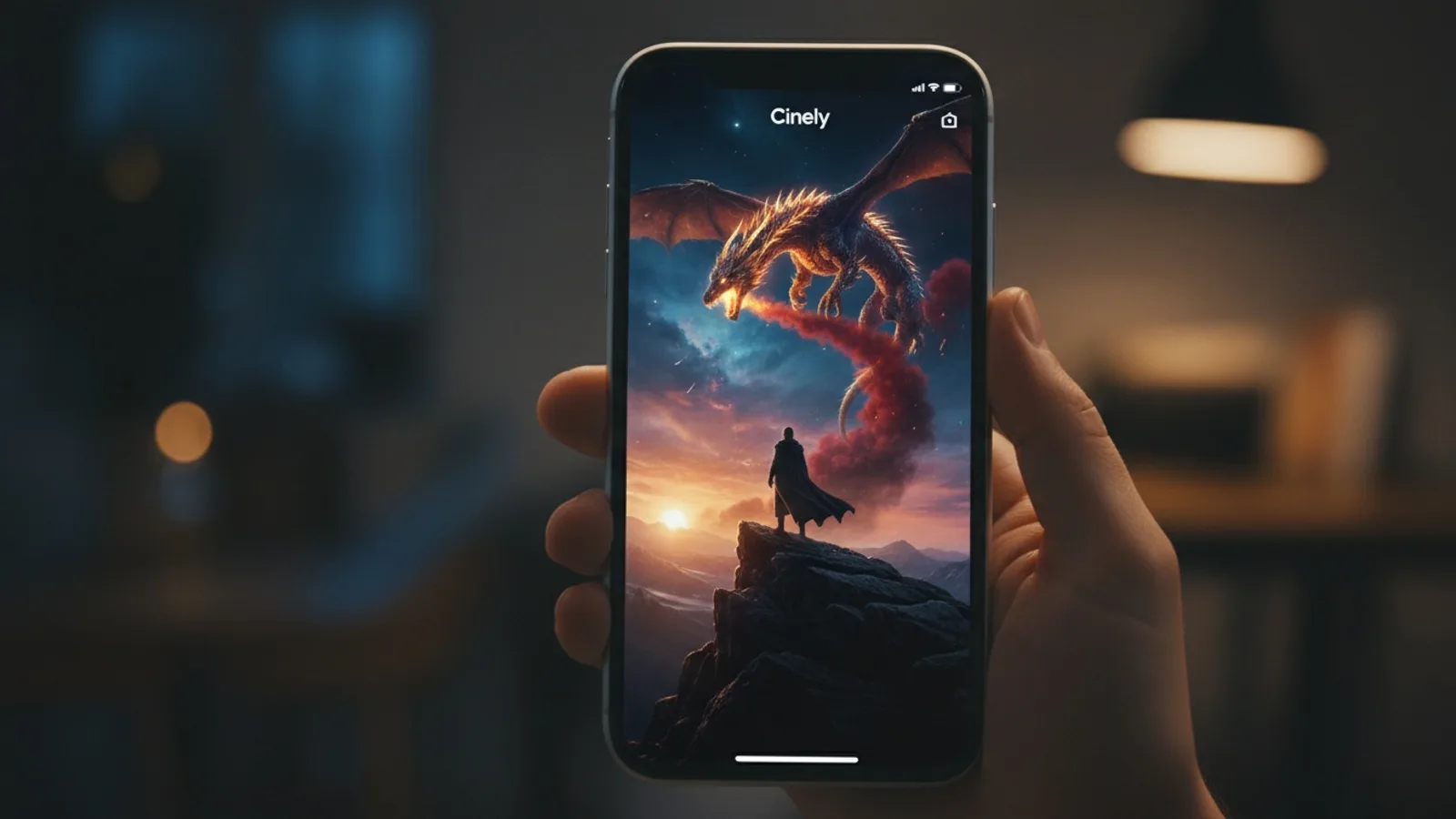
You have an idea for a movie, and your iPhone is right there. You can use it to text, to browse, to take photos. But now you can use it to build a world. The Cinely app for iOS turns your phone into a portable movie studio. Your phone is how you watch creator series on the go, and it’s also the tool you use to respond to them. The barrier between watching a story and telling one collapses in your hand.
Your account, including your earned or purchased credits, is the same across your devices. You sign in with Apple on your iPhone, and you pick up right where you left off on the web. The series you’re watching, the coins you’ve earned, the films you’re crafting—they’re all synchronized. This is not a separate, limited mobile experience. It’s your full Cinely creator studio, designed for the screen you use most.
Getting Started on Your iPhone
Your first step is to download the app. Search for “Cinely” on the Apple App Store and download the official application. The process uses your existing Apple ID, making sign-in straightforward. If you’re new, you can create your account directly through the app. Once you open it, you’ll land on a home screen designed for discovery and creation. The navigation is built for touch: large buttons, swipeable galleries, and intuitive icons. You can immediately start browsing trending creator series to watch or tap the prominent button to begin your own project.
If you already use Cinely on a computer, simply sign in with the same Apple account. Your profile, your watchlist, and your credit balance will appear instantly. There’s no need to rebuild anything. This seamless sync means you can sketch out a scene on your desktop during lunch, then refine the dialogue and preview it on your iPhone while commuting. The work is always with you.
Creating AI Movies Anywhere
The core of the Cinely experience is creation, and the iPhone app is built for it. Tapping the create button opens your canvas. Here, you craft your story using the same powerful AI models available on the web. You write your prompt, define characters, and set the scene. The interface is optimized for mobile typing and selection, with predictive text and easy genre selectors. You can draw inspiration from the world right outside your window—a conversation overheard at a cafe can become a dialogue prompt; a striking sunset can inspire a scene’s visual tone.
The app gives you full control over your narrative’s direction. After your initial prompt generates a scene, you’re presented with key decision points. These choices appear as clear, tappable options on your screen, guiding the story forward. Each choice costs credits, just like on the web, and your balance is updated in real-time at the top of the screen. The act of creation becomes spontaneous. A fifteen-minute wait for a friend is enough time to generate a pivotal scene for your sci-fi epic or a quiet moment for your romantic drama. Explore different starting points in the app's library, like a /explore/sci_fi adventure or a /explore/comedy sketch.
Managing Your Account and Credits
All your financial and account interactions happen securely within the iOS app. Your credit balance is displayed prominently, typically in the top corner of the main screens. Tapping on it takes you to a detailed view of your transaction history and your current coin count. If you need more credits to continue your story or to unlock premium features, you purchase them directly in the app through Apple’s in-app purchase system. The process is familiar, secure, and immediate.
Similarly, if you choose to subscribe to Cinely Premium for an enhanced experience, that subscription is managed through your Apple ID subscriptions page. This centralization means you handle payments, renewals, and cancellations through the ecosystem you already trust. There are no external redirects or complicated processes. Your focus stays on creating and watching, not on managing payments across different platforms. You can learn more about the benefits on the Cinely Premium page.
Watching and Engaging with Creator Series
Creation is one half of Cinely; engagement is the other. The iPhone app is arguably the best way to consume the platform’s library of creator series. The vertical screen is perfect for immersive viewing, with full-screen video playback and easy access to comments and community reactions. As you watch a series, you’ll see interactive points where you, as a viewer, can influence the story. These prompts appear seamlessly during playback, turning passive watching into active participation.
This is where the synergy of the platform shines. You might be watching a thrilling mystery series on your phone, vote on a key plot decision, and then feel inspired to start your own mystery-themed project. The line between audience and creator blurs. Your engagement earns you coins, which are added directly to your synced account balance. Those coins can then be spent to fuel your own creations, creating a virtuous cycle of consumption and creation, all from a single device in your pocket.
Optimizing Your Mobile Workflow
To get the most from Cinely on your iPhone, think of it as your storytelling notebook. Use it to capture ideas as they come. The notes app on your phone is good for text, but Cinely is for structured narrative fragments. See an interesting location? Jot down a visual prompt for it in a new Cinely scene. Have a line of dialogue pop into your head? Open the app and drop it into a character’s mouth in an existing project.
The app’s design encourages this kind of sporadic, iterative creation. You don’t need a two-hour block of dedicated time. Build your movie in moments. Generate a scene on the bus, review it and make a choice during a break, and then share the polished clip with friends later that evening. The Cinely Studio on the web is where you go for the final assembly and fine-tuning, but the iPhone is your constant companion for the raw, generative work. It’s how you keep the story alive and moving forward every day. When you're ready to compile your mobile scenes into a final product, export your project to the /studio for the finishing touches.
Common Workflow Mistakes to Avoid
Even with a streamlined app, a few missteps can slow you down. First, not checking your credit balance before starting a long creation session. You get invested in a story thread, only to be blocked when you run out of coins. Glance at your balance first. Second, writing overly complex prompts on a small keyboard. Be concise and clear; you can always add detail in the next decision point. Third, forgetting you can switch devices. If a scene feels stuck on your phone, open it on a desktop browser for a different perspective. The sync ensures you never lose progress.
- Is the Cinely iPhone app free?
- You can download the Cinely app for free from the App Store. Creating AI movies and participating in stories uses credits. You can earn some credits through engagement or purchase them directly in the app. Features like Cinely Premium, which offers enhanced capabilities, are available via a subscription managed through Apple.
- Do my credits transfer between my iPhone and computer?
- Yes, absolutely. Your Cinely account is unified. The credits you own, along with your profile, your created movies, and your watchlist, are synchronized across the iOS app and the web version. You can spend credits on your phone and see the updated balance immediately on your computer, and vice versa.
- How do I get more credits on the iPhone app?
- You can get more coins in two main ways on the app. First, you can engage with creator series by watching and voting, which earns you coins. Second, you can purchase credit packs directly through secure in-app purchases via Apple's payment system. Your updated balance is available instantly for creating new movies.
- Can I use the app without an Apple ID?
- The iOS app uses Sign in with Apple as the primary authentication method. This provides a secure and streamlined login process that integrates with your device. Your Apple ID is used to access your unified Cinely account and manage any in-app purchases or subscriptions for Premium.
Written with AI assistance and edited by the Cinely Team.