
How to Keep AI Characters Consistent in Your Videos
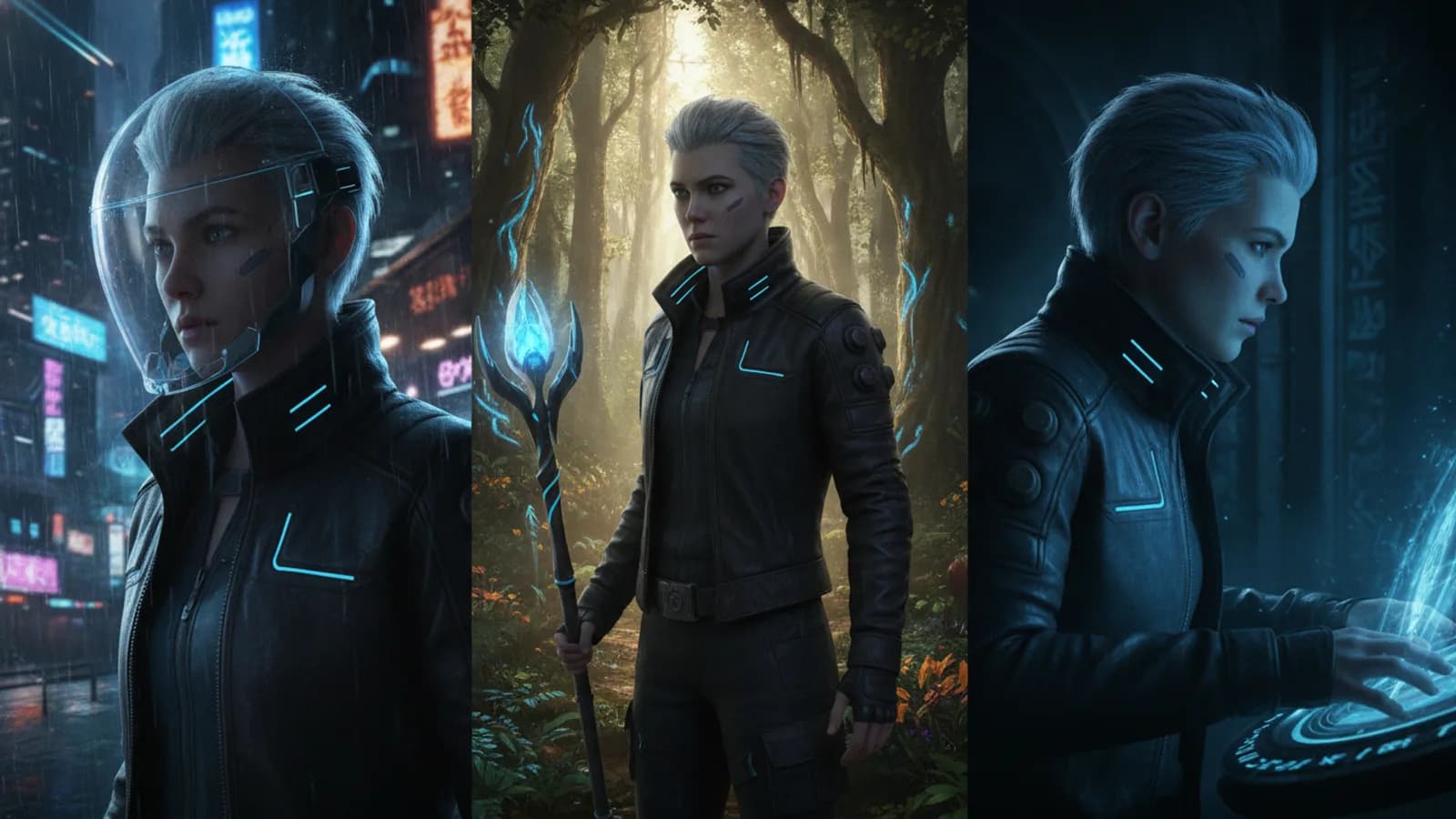
Creating a multi-scene video with AI means building a world. That world falls apart if your main character looks different in every shot. The core challenge isn't just generating a cool character once; it's making that character stick around. The foundational method to keep AI characters consistent on Cinely is remarkably straightforward: establish your character's identity once, then reference it faithfully. This isn't about complex prompting tricks; it's about setting a clear, reusable baseline that the AI can follow from the start of your story to the end.
Start With a Clear Character Blueprint
Think of your first prompt as a casting call and a costume fitting, all in one. Before you generate your first scene, decide on the non-negotiable elements of your character. What's their name? This is your primary anchor. “Lena the rogue” is a more specific identity than “a woman.” Next, define their key visual style. Is it “cyberpunk with neon dreadlocks,” “1940s detective in a trench coat,” or “elf warrior with intricate facial scars”? This combination of name and core visual style forms your blueprint. In Cinely, you can set this main character once, including their name, look, and even an optional reference selfie. This established profile becomes the constant you carry through your narrative, scene by scene.
Use the Same Character Name in Every Scene Prompt
Consistency begins with repetition. Once you have your blueprint—let’s say “Kai, a steampunk inventor with goggles on his forehead and grease-stained gloves”—you must use it. Every single time you write a prompt for a new scene featuring Kai, lead with that identity. Your prompt shouldn’t be “a man fixes a brass device.” It should be “Kai, a steampunk inventor with goggles on his forehead, carefully solders a cracked pipe on a large brass engine.” By leading with the same character name and reinforcing the key visual descriptors, you give the AI a strong signal to pull from the same character model it’s building. This simple act of disciplined naming is the single most effective step to keep the same character in AI video generation.
Reinforce Visual Cues and Context
Names and core style get you 80% of the way. The final 20% is about context and minor reinforcement. The AI interprets your prompts, so if Kai is in his workshop in scene one, and then in a sunny courtyard in scene five, you need to bridge that gap. Describe not just Kai, but what Kai is doing in a way that feels true to his established look. “Kai, the steampunk inventor, wipes his gloved hands on his leather apron as he examines a strange crystal” keeps the visual elements (gloves, apron) active in the prompt. Avoid contradictions. If you’ve established a character has short red hair, don’t later describe “her long blonde hair blowing in the wind.” Stick to your original blueprint and let the scene context change around the constant character.
Build Scenes Sequentially for Cohesion
Jumping around in your story’s timeline can confuse the AI’s context. For the highest consistency, try building your video scenes in narrative order. If your character gets a scar in scene three, you can reference it in scene four. Generating scenes sequentially helps maintain minor details like clothing smudges, hair placement, and environmental interaction that contribute to a believable, consistent persona. Think of it like directing a live-action scene: you wouldn’t shoot the finale before the first meeting. Use Cinely’s scene-by-scene generation to your advantage, treating each new prompt as the next shot in a sequence, always starring your clearly defined main character.
Iterate and Refine Your Character Profile
Your first generated image of your character might be close, but not perfect. That’s okay. Use that image as a learning tool. Maybe the “leather jacket” you imagined looks more like a vest. Adopt that detail into your official character blueprint. Update your core description to “Kai, a steampunk inventor with goggles and a leather vest.” Then, use that refined description for all future scenes. The goal is to lock in a visual identity that the AI can reliably reproduce. The optional selfie reference in Cinely’s character setup is designed for this purpose—to give the AI a concrete visual target beyond text. The process is iterative: define, generate, refine, and then consistently reapply the refined definition.
Leverage Genre-Specific Conventions
Sometimes, genre expectations can help anchor your character. A noir detective will always have a certain silhouette (trench coat, fedora). A fantasy warrior has specific armor styles. Using these established visual shorthand in your core description gives the AI a rich library of associated details to pull from consistently. Explore Cinely’s genre hubs like /explore/fantasy or /explore/sci_fi to see how consistent characters are built within those worlds. This doesn’t mean your character is generic; it means you’re building on a solid, recognizable foundation, making it easier for the AI to maintain consistency across varied scenes, from a quiet conversation to a chaotic battle.
Mastering character consistency transforms your projects from a series of cool images into a coherent story. It’s the difference between having ideas and directing a narrative. The technique is simple in theory—define once, reference always—but it requires discipline in practice. Start your next project with this foundational approach. Define your protagonist clearly in /studio, then commit to their identity in every prompt you write. That discipline is what allows you to build believable worlds, one consistent character at a time.
- Do I need to describe my character's full appearance in every single prompt?
- No. Use a consistent, shortened version of your core blueprint. Lead with the character's name and 2-3 key visual anchors (e.g., “Kai, steampunk inventor with goggles”). Once set in Cinely, the AI references this profile. Repeating the full description isn't necessary, but the name and primary style cues should appear in every scene they're in to maintain consistency.
- What if my AI character's clothing or hair still changes slightly between scenes?
- Minor variations can happen, as each scene is generated anew. To minimize this, be extremely consistent with permanent features (hairstyle, scars, eye color) in your prompts. For clothing, you can explicitly state it's the “same leather jacket” or treat changes as logical (e.g., “now wearing a raincoat over his shirt”). The goal is recognizable identity, not pixel-perfect replication.
- Can I have more than one consistent character in the same video?
- Yes, but it requires careful management. Define each main character with a unique name and distinct visual style from the start. In multi-character scenes, explicitly name each one in the prompt (“Kai argues with Jax, who wears a long blue coat”). It’s more complex than a single protagonist, so focus on nailing one consistent character first before adding more to your story.
Written with AI assistance and edited by the Cinely Team.