
How to Write a Movie Script With AI
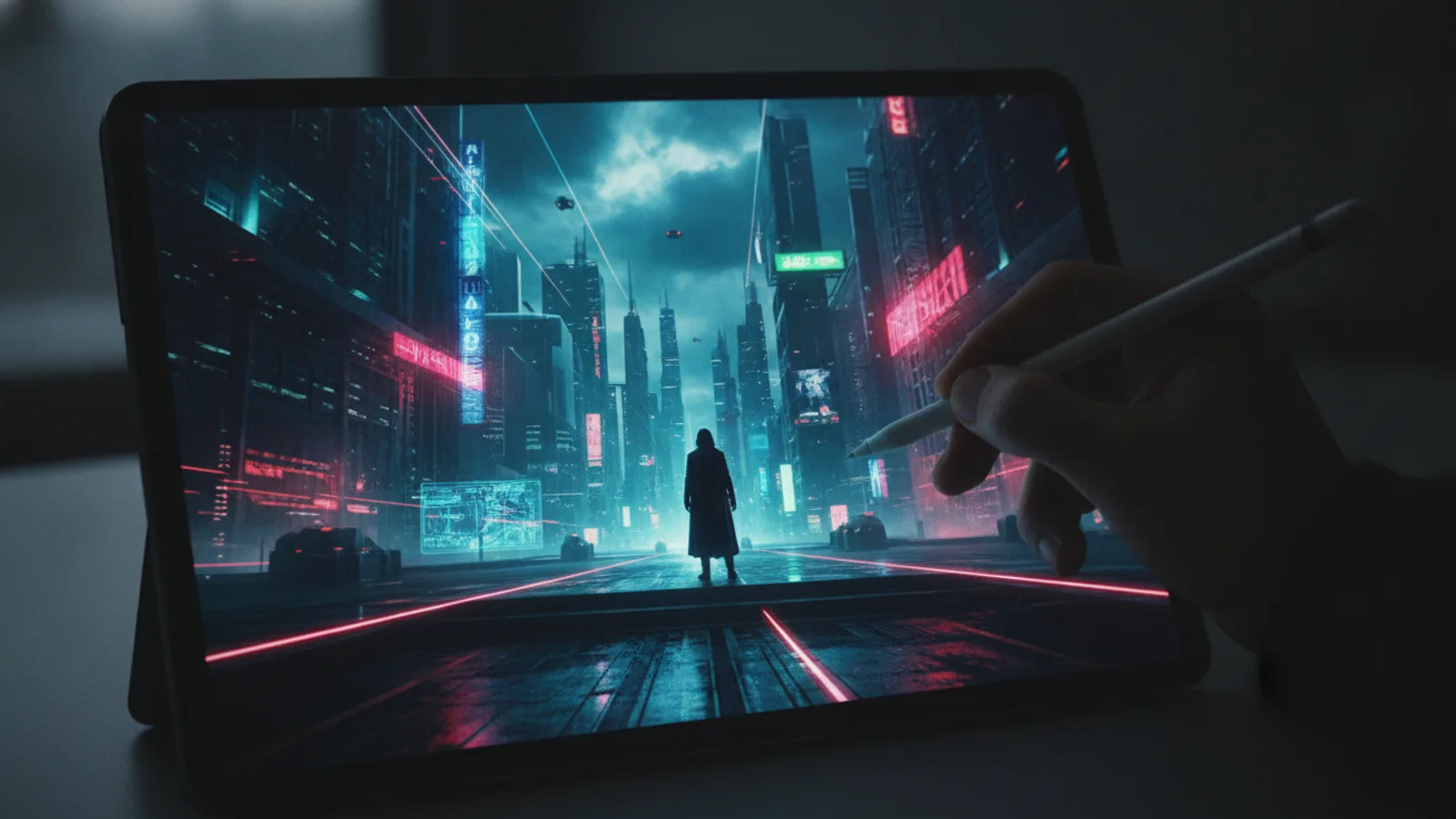
You have a story idea. But sitting down to write a full movie script can feel daunting. AI changes that process, not by writing for you, but by showing you possibilities you can shape. Cinely lets you write a movie script with AI by starting with a short prompt—the AI stages the entire scene visually. Your job isn't to type endless descriptions; it's to direct the next beat. You become the director, guiding characters and plot with each decision you make for the AI.
This approach turns scriptwriting from a solitary typing marathon into an interactive, visual collaboration. It's less about crafting perfect sluglines and more about exploring what your scene could be, then steering it there.
Start With a Strong Seed Prompt
Your first prompt is your scene's seed. The most effective prompts on Cinely combine three core elements: character, setting, and hook. This gives the AI rich material to build a coherent, engaging scene from frame one.
Instead of trying to micromanage the camera with technical language, focus on the story's heart. Compare these two approaches:
- Vague or Technical Prompt: "A tense scene in an office." or "Close-up on a man's face, then a slow zoom out to reveal a city skyline at dusk."
- Strong Story Prompt: "A meticulous assassin, pretending to be a janitor, quietly poisons a CEO's coffee in a sleek, empty high-rise office at midnight. The CEO's security detail is just outside the door."
The second prompt gives the AI a specific character (the assassin/janitor), a clear setting (the high-rise office at night), and an immediate dramatic hook (the poisoning with guards nearby). This allows Cinely's AI to generate a scene with clear stakes, character intention, and atmosphere from the very first shot. You can then build on this foundation.
Direct the Scene, Beat by Beat
Once your initial scene is generated, your real work as a writer-director begins. The AI provides your first visual block. Your next prompts guide the action, reaction, and dialogue.
For the assassination scene, your next prompt might be: "The CEO enters, oblivious, and takes a sip of the coffee." The AI stages this beat. Then you decide: Does the assassin watch from a vent? Does the CEO immediately collapse, or does the poison act slowly, creating a tense conversation? You direct each story turn.
This iterative process mirrors traditional scriptwriting's "action, reaction" structure but makes it visual and immediate. You are constantly asking, "What happens next?" and seeing the answer play out, which can spark new, unexpected directions for your story. It’s a powerful tool for overcoming writer’s block and exploring narrative branches.
Develop Characters Through Action
Great scripts show character through action, not just dialogue. Cinely’s visual medium forces this discipline. You define characters by what they do in the scenes you create.
Is your protagonist brave or cautious? Show it. A prompt like "She hesitates at the edge of the roof, looks back at the pursuing guards, then jumps" defines character more than any line of internal monologue could. The AI will render that hesitation, that decisive leap.
Use the Cinely studio to return to key characters and settings as you build your narrative. By placing the same character in different scenarios, you build a consistent visual identity and see how they react under various pressures, which deepens their development naturally.
Build Genre-Specific Tension and Mood
Different genres require different pacing and visual cues. Your prompts should reflect the tone you're after.
- For Horror: Focus on isolation, unseen threats, and reaction. "She hears a faint scratching inside the closet door. She slowly reaches for the handle."
- For Sci-Fi: Establish the rules of the world. "The engineer interfaces directly with the alien ship's pulsating neural core, her human tech sparking against its organic circuitry."
- For Romance: Create intimate moments and unspoken communication. "They argue in the rain on a deserted street, the anger melting into a sudden, desperate kiss."
Browse genre collections like the horror scenes on Cinely or the sci-fi worlds creators are building to see how others use prompt-driven direction to build atmosphere. Notice how the best scenes use prompts that imply emotion and conflict, not just geography.
Refine Your Story Through Iteration
Your first version of a scene is a draft. The beauty of writing a movie script with AI on Cinely is the speed of revision. Don't like how a beat played out? Change your last direction. Want to see a different outcome for a character's choice? Take the scene from a key moment and branch it.
Maybe in your first take, the hero confronts the villain head-on. For your second, try: "Instead of confronting him, she slips the evidence into his pocket and lets the authorities arrest him." The AI will generate this new path, allowing you to compare narrative choices visually. This iterative directing is the core of the creative process on Cinely.
From Scenes to a Creator Series
As you write and direct more connected scenes, you're building a script for a short film or a Creator Series. Think of each scene you generate as a key sequence. Your series becomes a portfolio of your visual storytelling, showing not just your writing, but your directorial eye.
You can share these creations on the community watch feed, where the audience engages with visual stories. This public narrative-building can inform your scriptwriting, as you see what resonates with viewers. It’s a dynamic, living form of script development.
The goal isn't to replace the human writer, but to empower you. The AI handles the initial staging based on your vision; you provide the creative direction at every step. To start directing your own scripts, create your first scene now. Write your first character + setting + hook prompt, and see where the story takes you.
- Do I need to know screenplay format or technical terms to write with Cinely's AI?
- No. Cinely is designed for visual storytelling, not formatting a spec script. You write in natural language, focusing on character action, setting, and dramatic hooks (e.g., 'a nervous spy drops the microfilm at a crowded masquerade ball'). The AI interprets your story prompts to stage the scene. Your role is that of a director, not a typist adhering to industry margin rules.
- Can I write feature-length scripts with this AI?
- Cinely excels at crafting compelling scenes and short narrative sequences—the building blocks of any script. You write a movie script beat-by-beat, scene-by-scene. By stringing these directed scenes together, you can develop the core visual narrative for a longer story or a Creator Series. It's an ideal tool for developing key sequences, exploring plot branches, and visualizing your story's most important moments before committing to a full traditional script.
- What's the biggest mistake beginners make when prompting the AI?
- The most common mistake is being too vague ('a funny scene') or too technically prescriptive ('pan left to a medium shot'). The AI works best with prompts rich in story information. Always try to include a character detail, a specific setting, and an immediate action or conflict. For example, 'a rookie cop, hands shaking, must defuse a bomb in a colorful kindergarten classroom' gives the AI far more to work with than 'a tense bomb scene.'
Written with AI assistance and edited by the Cinely Team.