
How to Withdraw Your Cinely Creator Earnings
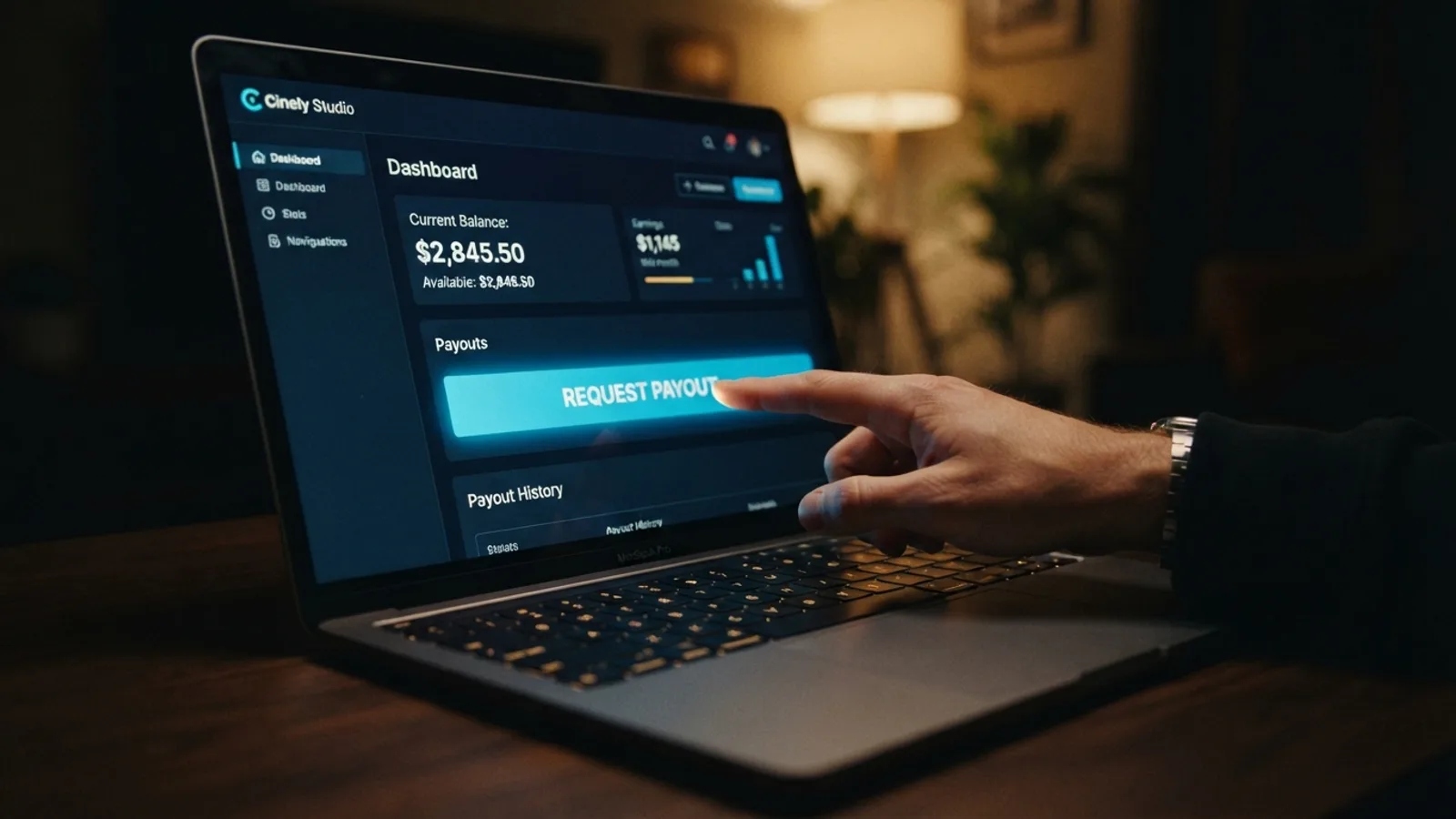
You’ve earned coins from your AI movies, and now you want to turn them into money you can actually spend. The good news: withdrawing on Cinely is a repeatable, low-friction process once you understand how the pieces fit together. This guide walks through the whole journey — how coins become a withdrawable balance, how to save your bank details, how to submit a payout request, and how to track it from “requested” to “paid.” Everything happens inside your Cinely Studio dashboard, so keep it open in another tab as you follow along.
How Creator Earnings Work
Before you can withdraw anything, it helps to understand the path your money takes. When a viewer spends coins to unlock one of your movies, you earn 70% of those unlock coins. So if someone pays 100 coins to unlock your latest episode, 70 coins are credited to you as the creator. That 70% share applies to every unlock, which means your earnings scale directly with how often your work gets unlocked.
Those earned coins don’t sit in your account as cash, though. They first convert into a withdrawable balance inside Cinely Studio. Think of it as two ledgers: your coin activity on one side, and your creator earnings balance — the part you can actually pay out — on the other. When you open the earnings section of the Studio, the number that matters for withdrawals is that converted balance, not your raw coin total.
One more constraint to know up front: there is a minimum withdrawal threshold, and your withdrawable balance has to reach it before you can request a payout. If you’re just getting started, the fastest way to build toward that threshold is simply to create more AI movies and keep your catalog growing across genres viewers love, from fantasy epics to sci-fi thrillers.
Setting Up Your Payout Method
Linking a bank account is the one piece of setup you must complete before any money can move. Cinely pays out to a bank account in USD, so make sure the account you use can receive US dollar transfers.
Head to the payout settings in your Studio and enter your bank details. Once saved, your payout method is stored for reuse — you won’t retype it for every withdrawal. For security, your account number is masked in the interface, showing only enough digits for you to confirm it’s the right account. That masking matters in practice: when you select a saved method during a withdrawal, glance at those visible digits to make sure an old or closed account isn’t still your default.
Treat this as a five-minute, one-time job. Get it right once, and every future payout becomes a couple of clicks.
Requesting a Withdrawal, Step by Step
Here’s the full checklist to run through when you’re ready to cash out:
- Open the earnings section in Studio. Look at your withdrawable balance — the converted earnings figure, not your coin count.
- Confirm you’ve cleared the minimum threshold. If you haven’t, keep creating and check back; the balance grows with every unlock.
- Select your saved payout method. Verify the masked account number matches the bank account you expect.
- Confirm the amount and submit. Your withdrawal now exists as a payout request with the status “requested.”
- Track the request in Studio. It moves from requested to approved, and finally to paid, when the funds are sent to your bank in USD.
The trip from submitting a request to funds arriving in your account may take a few business days, so don’t worry if the money isn’t instant.
Tracking Statuses: Requested, Approved, Paid
Every payout request moves through three statuses, and knowing what each one means saves you from second-guessing the process.
Requested is the initial state right after you submit. It’s also your window to change your mind: a payout request can be canceled at any point before it’s approved. Made a typo in the amount, or decided to wait and withdraw a larger sum later? Cancel while the request is still in the requested state and the balance returns to your withdrawable pool.
Approved means the request has been reviewed and accepted. From this point the payout is locked in — you can no longer cancel it. There’s nothing for you to do here except wait.
Paid is the finish line. The money has been sent to your saved bank account in USD. Check your bank statement to confirm it has arrived.
Common Mistakes to Avoid
A few pitfalls trip up first-time withdrawers again and again:
- Reading the wrong number. Your total coin count is not your withdrawable balance. Only earnings that have converted into your Studio earnings balance can be paid out.
- Requesting before you hit the threshold. If your balance is below the minimum withdrawal threshold, the request can’t go through. Track your progress in the Studio instead of guessing.
- Stale bank details. If you’ve changed banks, update your saved payout method before your next request. The masked account number is there so you can catch a mismatch at a glance.
- Trying to cancel too late. Cancellation is only possible while the request is still in the requested state. Once it’s approved, it’s on its way.
Keep the Balance Growing
Withdrawals get more satisfying as your catalog grows. Since you earn 70% of every unlock, consistency is the whole game: creators who publish regularly in high-demand genres like action and romance build a steadier stream of unlocks than those who release once and wait. Study what performs well on the Watch feed, then double down on the formats and stories your audience responds to, and explore Premium features as you scale up.
Make checking your earnings a weekly habit. Watch the balance climb toward the threshold, keep your payout method current, and the withdrawal itself becomes the easiest part of being a Cinely creator.
- How do I know when I can withdraw my creator earnings?
- You can withdraw once your converted earnings balance in the Studio meets the minimum payout threshold. This balance is separate from your total coin count. Check the earnings section of your Studio dashboard to see your available, withdrawable amount.
- What currency are payouts sent in, and do I need a specific bank account?
- Payouts are processed in US dollars (USD). You need a bank account that can accept USD transfers. You save your account details securely in your Studio payout settings for all future withdrawals, so you only set it up once.
- Can I withdraw my coins directly?
- No. Coins earned from your AI movies must first convert into a formal creator earnings balance within your Studio. Only this converted earnings balance can be withdrawn to your bank account once it reaches the required minimum.
Written with AI assistance and edited by the Cinely Team.