
How to Make an Interactive AI Story with Video
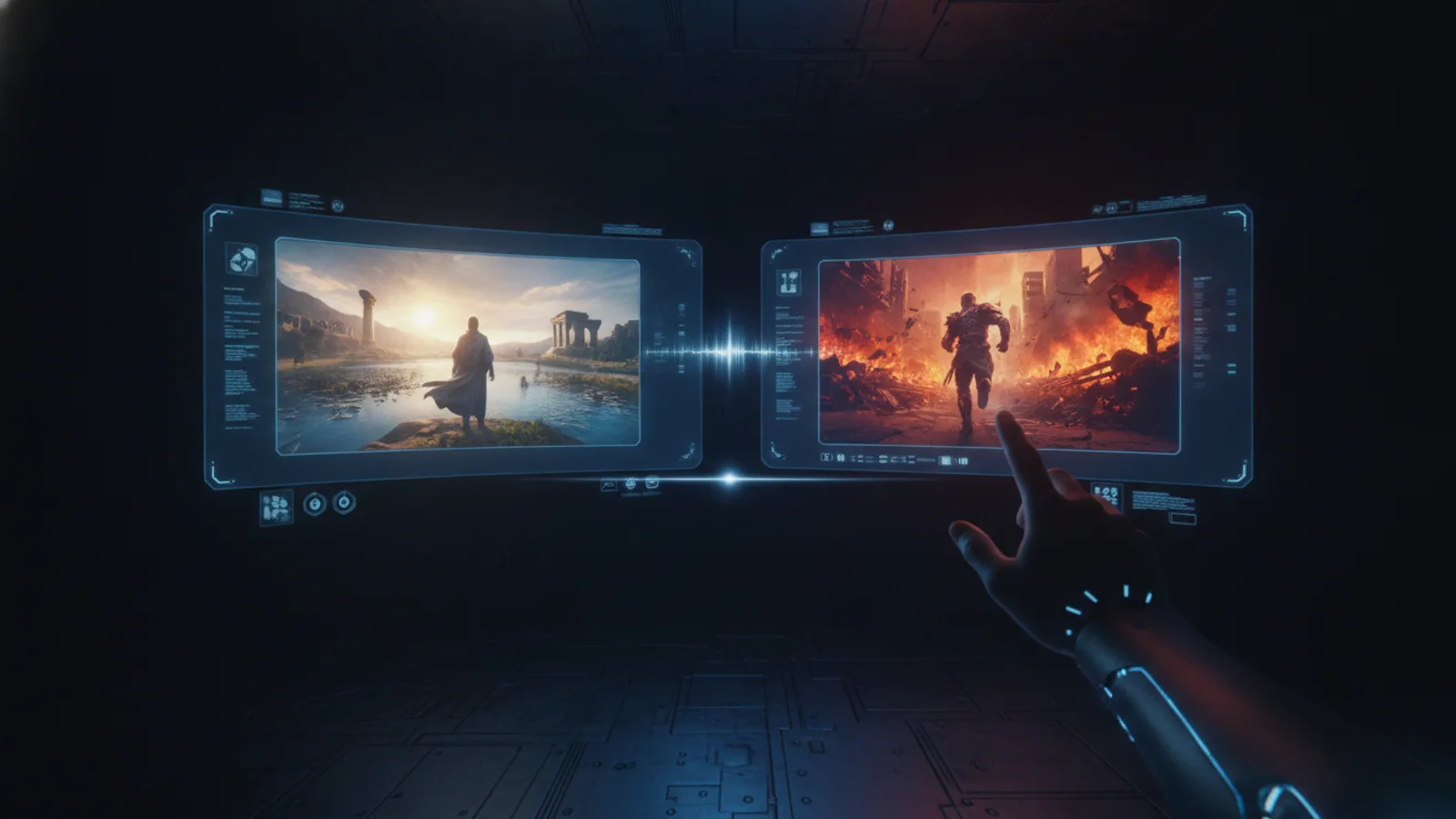
An interactive AI story is more than a script. It’s an evolving world where your choices change the narrative in real time. This guide shows you how to make an interactive AI story on Cinely, combining branching RPG-style decisions with AI-generated video to bring your unique, multi-path narratives to life.
What is an Interactive AI Story?
At its core, an interactive AI story is a branching narrative. Think of classic ‘Choose Your Own Adventure’ books, but powered by artificial intelligence and visually generated as video. Instead of a linear plot, the story presents choices at key moments. The viewer, or reader, decides the path, leading to different outcomes, character developments, and endings. This is the core of Cinely's interactive flow: it lets you branch the story scene by scene with next-scene choices.
The power comes from combining these narrative forks with dynamic media. You're not just writing text; you're directing a visual story where each choice leads to a new, AI-generated video scene. This creates a deeply engaging experience that blends creative writing with the immersive qualities of a role-playing game (RPG). Start exploring genre ideas on pages like /explore/fantasy or /explore/sci_fi to get inspired.
Starting Your Interactive Story Structure
Your first step is planning the structure. Before you touch a prompt, outline the major plot points. Begin with a strong opening scene that establishes the setting, main character, and initial conflict. Then, map out your first major decision point. Where can the story go from there? Sketch two or three distinct paths. Remember, every choice should feel meaningful, affecting the plot, a relationship, or a character's traits.
Don't try to map the entire story with infinite branches at once. Start with a simple structure: one opening, one choice leading to two different second scenes. From each second scene, you can plan another choice. This manageable approach prevents overwhelm. Focus on creating clear, compelling options. Is the choice about morality (save the stranger or secure the treasure)? About tactics (sneak past the guards or charge in)? The specificity of your choices dictates the uniqueness of the generated scenes. When ready, bring this structure to life by heading to the /studio to begin crafting.
Using the Interactive Flow for Branching
This is where Cinely's interactive flow turns your plan into a living story. After you generate your opening scene, you'll be prompted to provide options for what happens next. You describe the possible next scenes based on the choice. For example, if your character is offered a mysterious job, your choices could be "Accept the job and follow the client" or "Refuse and investigate alone."
The AI uses your descriptions to generate a new video scene for each selected path. You then continue the process from each new scene, building out the branches. It's a step-by-step, scene-by-scene creation process. This method ensures each video segment is coherent and visually aligned with the previous choice. You are actively directing the narrative flow, not just watching a pre-made video. For a deeper dive into creation tools, visit the main /create hub.
Crafting Compelling Choices and Endings
The quality of an interactive story hinges on its choices. A good choice presents a real dilemma with consequences. Avoid yes/no questions; instead, frame options that reveal character or steer the plot in distinct directions. "Do you open the door?" is weak. "Do you quietly pick the lock, or kick the door down to surprise whoever is inside?" is strong—it suggests different tones and immediate outcomes.
Endings are your payoff. Your branching structure should lead to multiple conclusions, not all of them happy. A satisfying ending feels earned by the sequence of choices made. Perhaps one path leads to a heroic sacrifice, another to a cunning escape, and a third to a tragic betrayal. The work you put into the early choices makes these finales resonate. Let your narrative possibilities expand by exploring genres like /explore/mystery or /explore/action for inspiration on high-stakes decisions.
Publishing and Sharing Your Creation
Once your branches are set, you can publish your interactive story. On Cinely, it functions like a playable experience. Viewers watch the first scene, are presented with your choices, and tap to select their path. The story unfolds based on their decisions in real time. This format is highly shareable and encourages replayability—friends will want to compare the different outcomes they discovered.
You can share a direct link to your story or publish it to your creator profile. Encourage viewers to try different paths and see where the story takes them. This unique format of interactive stories, which combine the RPG choices with generated video, creates a new kind of engagement. As you build an audience, consider how tools like /premium can enhance your future projects with additional features. Ready to start? The journey begins at /create.
- Do I need coding or video editing skills to make an interactive AI story?
- No. Cinely's interactive flow handles the technical complexity. You provide the narrative choices and scene descriptions in plain language, and the AI generates the corresponding video branches. Your role is that of a writer and director, not an engineer or editor.
- How many branches or endings can my interactive story have?
- You can create multiple branches from any scene. There's no fixed limit, but complexity grows with each new path. It's practical to start with 2-3 key decision points leading to a handful of distinct endings. The focus should be on meaningful choices rather than sheer quantity of branches.
- Can viewers go back and make a different choice?
- Yes. A key feature of interactive stories is replayability. Viewers can restart from the beginning or from key branch points to explore different narrative paths and discover all the possible endings you've created.
Written with AI assistance and edited by the Cinely Team.