
How to Make an AI Short Film: A Creator's Guide
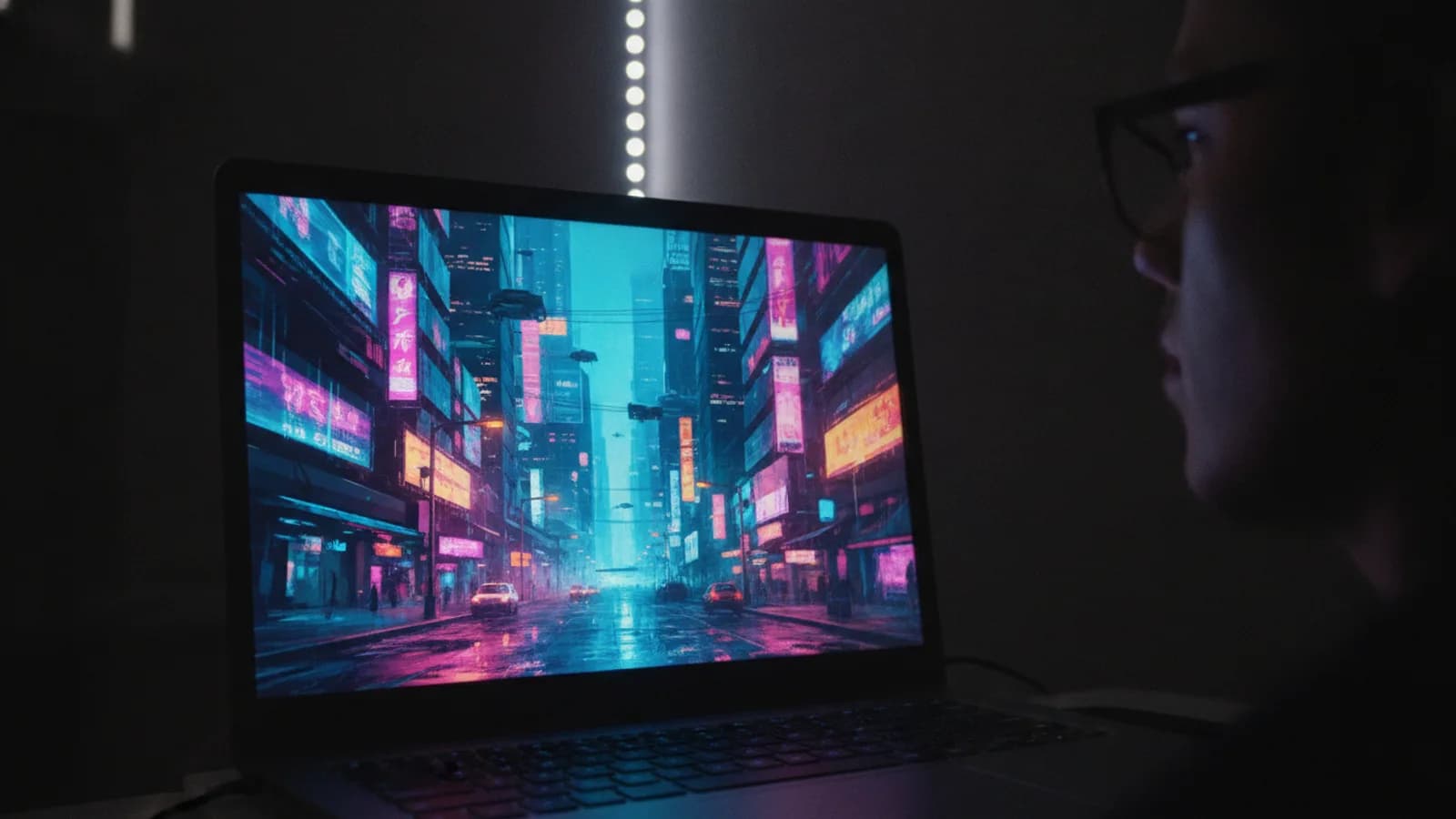
You want to tell a story, and you want to make it visual. An AI short film is a compelling way to bring an idea to life, focusing on creative direction rather than technical hurdles. The process centers on guiding an AI movie maker like Cinely, where your film is built scene by scene, beat by beat. You maintain control by writing detailed prompts, choosing the best results, and deciding every narrative turn. It's a new kind of filmmaking that puts you in the director's chair. This guide walks you through the concrete steps, from your initial idea to a finished short film ready to share.
Start With a Simple, Focused Idea
The best AI short films often have a clear, concise concept. You don't need an elaborate 30-page script. A strong premise, a central character, and a clear emotional beat are enough. Think of a moment of conflict, a surprising discovery, or a quiet realization. For example: "A retired astronaut finds a mysterious, glowing seed in her backyard." or "Two rivals get stuck in an elevator during a power outage." This focused start gives the AI movie maker a solid foundation to build on. You can browse existing genres on Cinely for inspiration in categories like sci-fi or mystery. Keep your logline to one or two sentences.
Write Prompts That Direct, Don't Just Describe
This is your most important skill as an AI filmmaker. A prompt is your instruction to the AI. Move beyond basic descriptions like "a man in a room." Instead, direct the shot. Include details about character emotion, lighting, camera angle, and composition. For instance: "Close-up on KIRA, mid-30s, her eyes wide with fear as flickering neon light from a rainy window casts blue stripes across her face. She's holding a cracked datapad." Be specific about what you want to see. You can also suggest a style: "Cinematic, moody, inspired by noir films." The more precise your direction, the more the generated scene will match your vision. Remember, you can always regenerate a scene with a tweaked prompt until it feels right.
Build Your Film Beat by Beat
On Cinely, you create a movie as a sequence of scenes. Start with your opening shot. Generate it, review it, and decide what happens next. This iterative process is the core of making an AI short film. Did your character just pick up a strange object? Your next prompt should be the reaction, or a cut to what the object reveals. Each scene is a building block. Use the ability to choose what happens next to steer the narrative. Does the detective find the clue or does the suspect walk in? Your choice at each juncture shapes the story's path. This non-linear approach allows for experimentation and surprising narrative turns you might not have initially planned.
Refine and Edit Your Visual Story
Your first generation is rarely the final cut. Treat the initial scenes as a rough draft. Look at the generated scene critically. Is the character's expression correct? Is the lighting setting the right mood? Go back and tweak your prompt. Change "smiling" to "a hesitant, unsure smile." Add "heavy shadows" or "golden hour sunset." Use the regenerate function to see variations. This cycle of generation, review, and refinement is where your film gets polished. Pay attention to visual consistency from one scene to the next, especially for characters and settings. This editing phase transforms a series of generated images into a cohesive short film.
Add the Final Touches
Once your visual sequence is locked, consider the elements that complete the experience. While Cinely focuses on the visual generation and narrative flow, think about how you might present your final film. You could add a title card and end credits using simple editing tools. Think about the pacing between scenes. A short, impactful AI film often benefits from a focused story without unnecessary detours. When you're happy with the project, you can share it directly from the platform to get feedback from other creators in the community. Explore what others are making on the watch page to see different styles and storytelling approaches.
Develop Your Unique Process
The key to making great AI short films is practice and developing a personal workflow. Start small—create a 5-scene film. Experiment with different genres from fantasy to slice of life. Pay attention to which prompt styles yield the best results for you. Do you work best by outlining the whole story first, or by discovering it as you generate? There's no single right way. The tools of regeneration and iterative choice are there for you to use. The more you create, the more you'll refine your ability to guide the AI to execute your vision, turning abstract ideas into compelling visual stories. Ready to direct your first scene? Begin the process on the create page.
- Do I need filmmaking or AI experience to start?
- No prior experience in either field is required. The process is designed for storytellers. You guide the AI movie maker with your ideas and creative choices, learning the craft of visual prompting through direct practice. It’s more about your vision and direction than technical expertise.
- How much control do I have over the final film?
- You have directorial control at each step. You write the prompts, choose the generated scene you prefer, and decide the narrative path at every story beat. The ability to regenerate scenes and tweak your instructions allows you to iterate until the visuals align with your intent for the short film.
- What's the best way to get better at writing AI prompts?
- Practice with a focus on cinematic language. Instead of "a house," try "a low-angle shot of a Victorian house under stormy skies." Analyze scenes you like on platforms like Cinely's [watch](/watch) page and think about how you'd prompt them. Specificity about emotion, lighting, and composition dramatically improves results.
Written with AI assistance and edited by the Cinely Team.