
How to Create an AI Fantasy Adventure Film
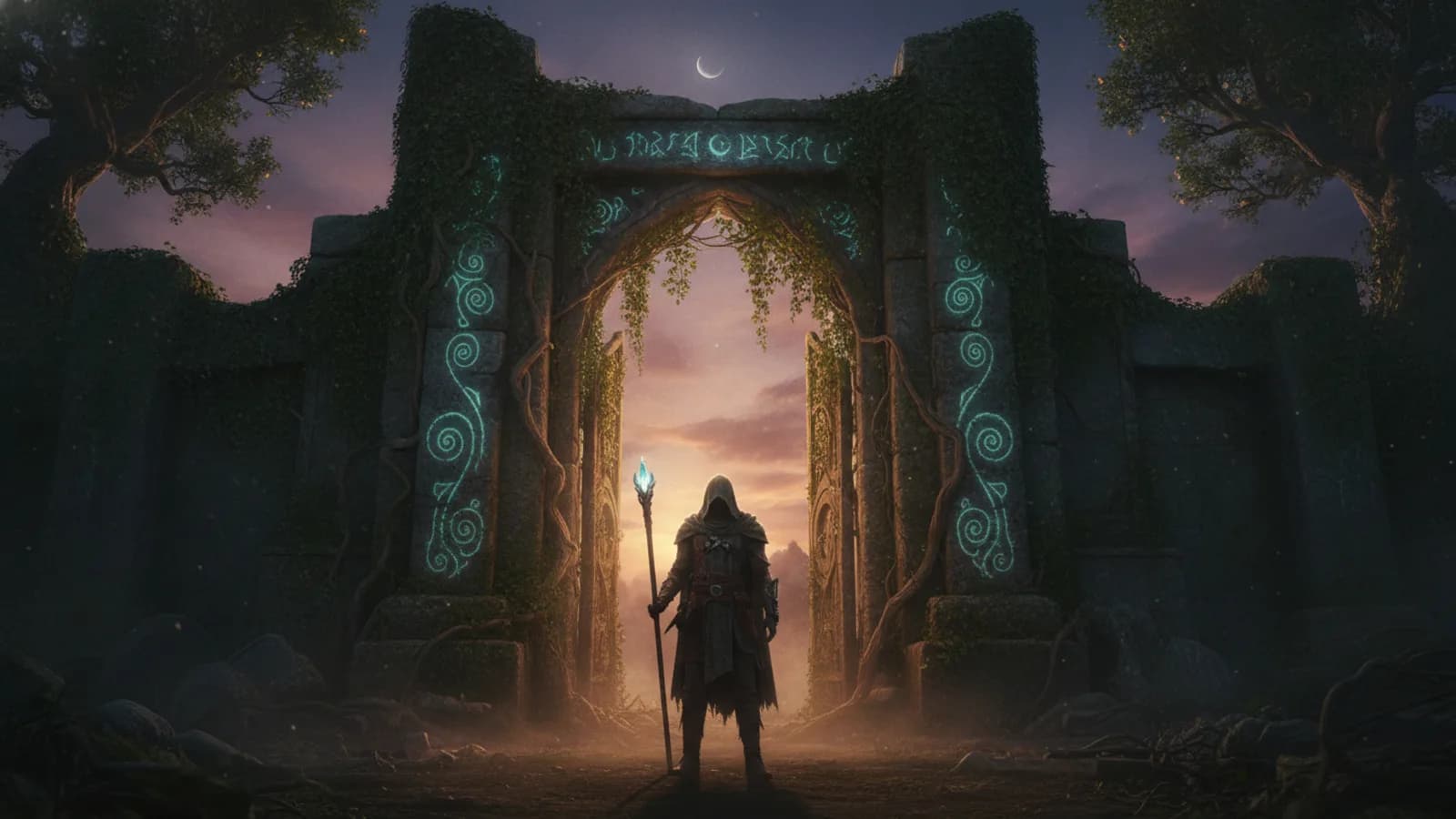
Creating your own fantasy movie isn't a quest reserved for wizards or Hollywood anymore. If you have a story about a lost kingdom, a rogue sorcerer, or a band of adventurers, an AI fantasy adventure is within your reach. It's a different kind of world-building. Instead of sketching every castle stone, you guide the narrative vision, and the AI helps bring your magical setting and characters to life. The key is understanding how to build that world piece by piece and keep it feeling cohesive across your entire adventure series.
Start with a Strong Fantasy Concept
Every great epic, from Tolkien to modern series, begins with a compelling core idea. It doesn't need to be a fully written novel. Start simple: a premise. Is it a classic hero's journey to reclaim a throne, a heist in a city of floating islands, or a mystery about forgotten magic? This core is your story's lodestone. With a clear concept, you can begin exploring the fantasy templates available on Cinely. These templates provide foundational aesthetics and narrative structures—think ancient ruins, mystical forests, or soaring citadels—that you can adapt. They’re not rigid scripts, but visual and thematic starting points that save you time and spark further ideas. Browse the fantasy worlds and templates on Cinely to see what resonates with your vision, then head straight to create your first scene once a premise clicks.
Design and Lock Your Core Characters
A fantasy world is defined by its inhabitants. Once you conceptualize your main hero, villain, or mentor, the most important technical step is to keep them consistent. This is where Cinely's character consistency tools become essential. When you create a memorable character—like a grizzled dwarf warrior with a distinctive rune-covered axe or an elven mage with glowing silver hair—you can save their appearance as a style. By reusing this saved hero style for every scene they appear in, you ensure they look like the same person throughout your adventure. This prevents the jarring effect of your protagonist changing facial features or attire between scenes, which instantly breaks the viewer's immersion in your fantasy world.
Build Your World Scene by Scene
Think of your movie as a sequence of key locations and moments. You don't need to generate everything at once. Start with your opening scene. Describe the setting using vivid, concrete language that the AI can interpret. Instead of "a scary forest," try "a misty, ancient forest with twisted, bioluminescent trees and crumbling stone monoliths." Be specific about mood, time of day, and key visual elements. After generating that first establishing shot, move to the next story beat: your hero discovering a clue, the tense confrontation in a tavern, the first glimpse of the dragon's mountain. Use the previous scene's style or mood to inform the next, creating a visual flow. This scene-by-scene construction lets you guide the narrative pace and ensure each moment serves the story.
Maintain Consistency for Series and Sequels
The true magic of building a fantasy universe is that it can extend beyond a single short film. If you're planning a series of adventures with the same characters, consistency is your most powerful spell. By meticulously saving the styles for your main hero, key locations (like your main castle or a signature magical effect), and even the overall cinematic style (e.g., a dark, gritty tone versus a bright, high-fantasy look), you can revisit and reuse them. When you sit down to create the next episode in your saga, you can load these saved styles. This means your hero looks identical, and the familiar locations feel like the same world, giving your audience a continuous, believable experience. This is how you build franchise-worthy worlds, one consistent episode at a time.
Polish and Share Your Epic
Once your scenes are generated, you enter the final phase of creation: assembly and polish. This is where your role as a director comes to the forefront. Use the in-app editing tools to trim scenes, adjust pacing, and add the final layer of atmosphere with a music score. Sound design is crucial for fantasy; the right soundtrack can turn a simple scene into an epic moment. Preview your entire AI fantasy adventure from start to finish, checking for narrative clarity and visual flow. When you're satisfied, you can publish your movie to your channel. This makes it available for other users to watch and react to community films and follow your creative journey. Sharing your work is the final step in the cycle, closing the loop from a private idea to a public story.
A Quick Pre-Production Checklist
Before you generate a single frame, a few minutes of planning saves hours of redoing scenes. Run through this short checklist for any AI fantasy adventure:
- One-line premise. Write your story in a single sentence so every scene has a clear purpose.
- Hero reference shot. Generate and save the look of your protagonist first, before anything else, so you have a style to reuse.
- World rulebook. Note three or four fixed traits of your setting—the kind of magic, the era, the dominant color palette—so prompts stay coherent.
- Scene list. Sketch five to eight key beats: opening, inciting incident, a setback, a confrontation, and a resolution.
- Mood reference. Pick the cinematic tone (gritty low-fantasy, bright high-fantasy, dark mythic) and keep it identical across prompts.
With these locked in, generation becomes assembly rather than guesswork.
Common Mistakes to Avoid
Most weak fantasy films stumble in the same predictable places. The biggest is vague prompting: writing "a magical castle" instead of "a black basalt fortress lit by green torchlight under a stormy sky" gives the AI too much room to drift. The second is skipping character styles, which lets your hero's face shift between shots and shatters immersion. A third is overstuffing a single scene with too many subjects—a clear hero against a simple background reads far better than a crowded frame. Finally, creators often forget sound; even a strong sequence falls flat without an atmospheric score and effects. Avoiding these four traps puts your work ahead of most amateur AI fantasy adventures.
Explore Genre Mash-Ups and Experiment
Fantasy is a wonderfully flexible genre. Don't feel confined to traditional tropes. Some of the most interesting stories come from blending genres. What does a fantasy mystery look like, where the magic system itself is the clue? How about a fantasy slice-of-life story following a potion shop owner? The tools you use for a pure fantasy epic are the same for these hybrids. Start with a strong fantasy base—a magical setting, consistent characters—and layer in the tone and plot mechanics of another genre. Experimentation is free and fast, allowing you to explore side-stories or entirely new concepts without starting from zero. Browse the slice-of-life stories collection or other genres for inspiration on how different moods and structures can be applied to your fantasy foundation.
- Do I need writing or art skills to make an AI fantasy movie?
- Not in the traditional sense. You guide the process with your ideas and vision, not technical drawing or scripting. Your skill is in conceptualizing the story, describing scenes vividly, and making creative choices about characters and pacing. The AI handles the visual generation based on your descriptions.
- How do I make sure my main character looks the same in every scene?
- Use Cinely's style-saving feature. When you generate a shot of your character that you're happy with, save their appearance as a reusable style. Then, apply that saved 'hero style' whenever you prompt for a new scene featuring that character. This locks in their facial features, hair, and core attire for consistency.
- Can I make a series of connected fantasy adventure movies?
- Yes, and maintaining consistency is the key. By saving the styles for your main characters, key locations, and the overall visual tone, you can create a library of assets. For each new episode, load these styles to ensure the world and people look familiar, building a cohesive series that feels like one continuous universe.
Written with AI assistance and edited by the Cinely Team.