
How to Design a Memorable AI Character
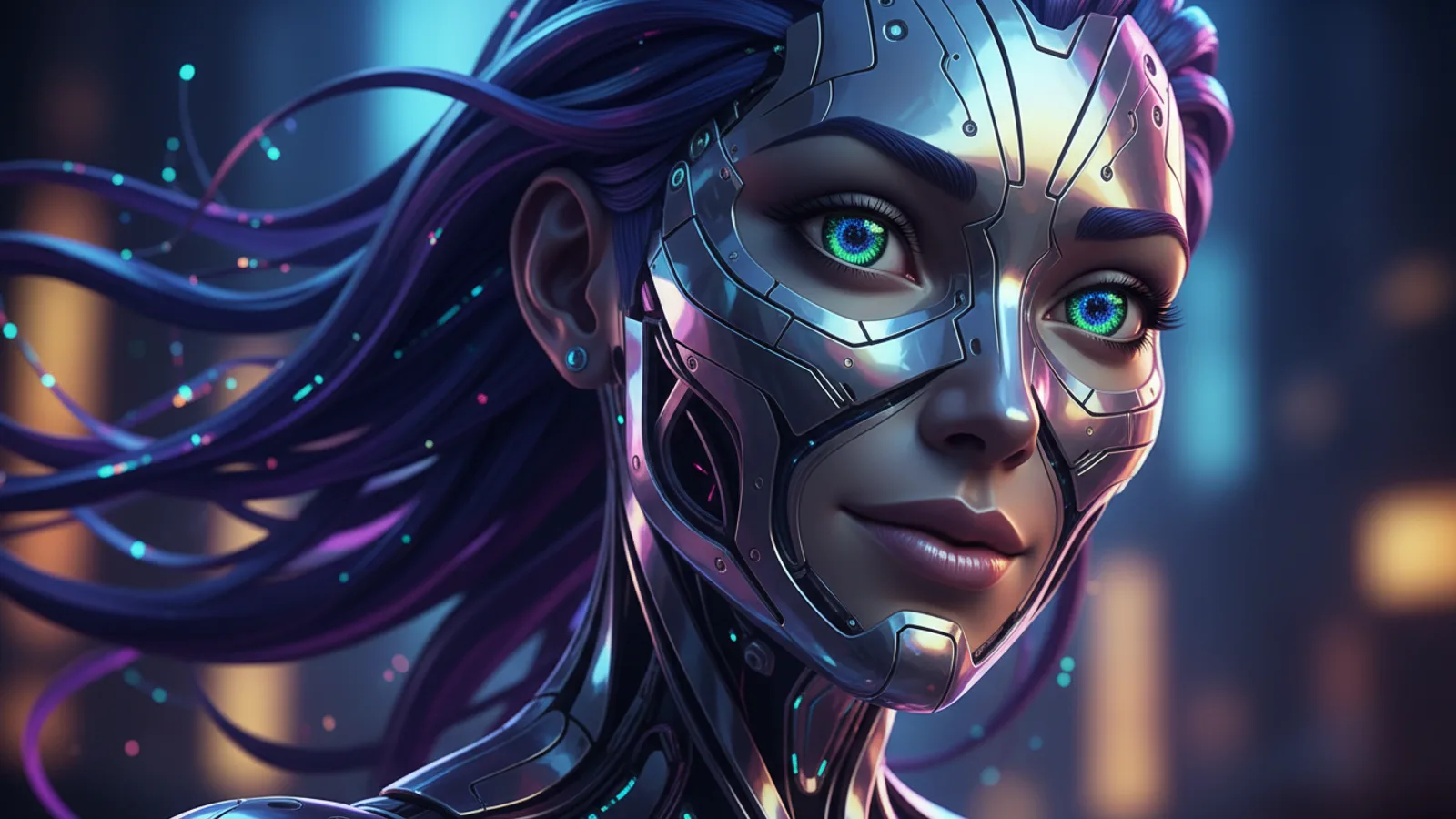
Effective ai character design is the bedrock of any great story. When you're building a world with AI, the characters that inhabit it need to feel real, consistent, and engaging. A well-designed character pulls your audience into the narrative, making them care about what happens next. This isn't just about a cool look; it's about creating a visual and narrative anchor that your entire movie can revolve around. In platforms like Cinely, where you define a character once and reuse them across scenes, getting this foundation right is the single most important step in your creative process. It transforms a series of images into a story about someone your viewers can recognize and root for. Let's break down how to build that character from the ground up.
Start with a Strong Core Identity
Every memorable character begins with a name and a clear role. Before you even think about visuals, decide who this person is in your story. Are they a weary detective, a curious student, or a rogue spaceship pilot? This core concept will guide every other design choice. In Cinely, you define a main character once—providing a name, gender, and an optional selfie—and then reuse them. This system demands that your initial definition is solid. A generic name like "Man 1" won't stick in anyone's memory. Choose a name that fits their world and hints at their personality. A name like "Kael" suggests a fantasy setting, while "Dr. Vance" implies a scientific or medical background. This name becomes the character's identifier across every scene you generate, so make it count.
Define Key Visual Traits for Consistency
Visual consistency is the magic trick of ai character design. The AI needs clear, repeatable cues to recognize your character from one prompt to the next. Start with fundamental, immutable traits. Hair is a powerful anchor: specify color, style, and length (e.g., "long black braided hair" or "short, spiky red hair"). Facial features like a strong jawline, freckles, a scar across the cheek, or distinctive eye color are excellent markers. Don't forget consistent clothing or accessories that are part of their signature look, like a specific jacket, a pair of glasses, or a piece of jewelry. The principle is simple: naming a character and repeating their key visual traits keeps them consistent. Write these traits down and reference them in every scene description you write for that character.
Craft Detailed and Reusable Prompts
Your character's core description should be a template you can adapt. Instead of writing a new description from scratch for each scene, have a master prompt. It might look like: "[Character Name], a [age] [gender] with [hair description], [eye color] eyes, and [notable feature], wearing [signature clothing item]." For a scene, you then add the action and setting: "...is cautiously exploring a derelict spaceship corridor, flashlight beam cutting through the dust." This method ensures the character's identity remains locked in while the scene around them changes. It’s the difference between the AI generating a random person in a spaceship and generating your character in that environment. Explore different genres for inspiration on how traits interact with settings, like the gritty archetypes in Action or the nuanced personalities in Slice of Life.
Use the Selfie Feature to Lock in a Likeness
If you have a very specific face in mind, the optional selfie feature is your most powerful tool for ai character design. This allows you to upload a reference image—it could be a drawing, a photo of an actor, or even an AI-generated portrait you like from another tool. This reference gives the AI a concrete visual target for facial structure, proportions, and expression. It doesn't mean every output will be a perfect replica, but it establishes a strong baseline likeness that the AI will work to maintain across different angles, lighting conditions, and emotions. It's particularly useful for ensuring a character looks the same in a close-up emotional confession as they do in a wide-action shot. Think of the selfie as the casting photo for your AI actor.
Evolve Your Character Within the Story
A static character is a boring character. Good design allows for evolution. While core traits stay the same, your prompts should let the character react to the story. A tidy character might become disheveled after a chase. A confident hero might show fear in a horror scenario. You can prompt for these changes while keeping the anchor traits: "[Character Name], with their signature red hair now matted with mud and sweat, looks desperately for an escape route." This shows history and consequence. For examples of characters undergoing dramatic arcs, look at the transformative journeys often found in Fantasy or the psychological unraveling in Horror. The key is to change the state, not the fundamental identity you've so carefully built.
Test and Refine Your Design
Don't expect perfection on the first try. The best ai character design comes from iteration. Generate a few still scenes with your character in different contexts—a calm moment, an action shot, a dialogue close-up. Do they look like the same person? If not, identify what's drifting. Is it the hair color? The face shape? Go back and strengthen those descriptors in your core prompt. Sometimes less is more; an overload of conflicting details can confuse the AI. Start with a few strong, unique traits and build from there. This testing phase is where the Cinely Studio becomes invaluable, allowing you to generate and compare images rapidly to hone in on the perfect, consistent representation of your character before you commit to a full narrative.
A Practical Character Design Checklist
Use this list to audit your character design before you start generating a full movie. If you can answer these clearly, your character is ready for their close-up.
- Name & Role: Does the name fit the genre and hint at personality? Is their core story function (hero, mentor, rival) defined?
- Core Visual Traits (3-5 minimum): Have you specified hair (color, style, length), eyes, and one or two defining facial features (scar, freckles, jawline)?
- Signature Element: Is there one consistent clothing item or accessory (a coat, a pendant, a tool) that is part of their look?
- Master Prompt: Have you written a reusable template that combines all the above in one sentence?
- Evolution Plan: For your story, what temporary changes (dirt, injury, new outfit) will signal their journey while keeping core traits intact?
- Test Scenes: Have you generated at least three different scene types to check for consistency? Run this test in the Cinely Studio to streamline the process.
Common Pitfalls and How to Avoid Them
Knowing what can go wrong helps you design better from the start. Here are common mistakes and concrete fixes.
Pitfall 1: Over-describing. Listing every clothing item and minute facial detail often confuses the AI, leading to inconsistent or cluttered outputs.
- Fix: Prioritize. Choose the top three traits that define your character's silhouette and face. A "worn leather jacket" and "messy blonde hair" are stronger than a full wardrobe list.
Pitfall 2: Inconsistent terminology. Using "auburn" hair in one prompt and "reddish-brown" in another can lead to variation.
- Fix: Create a style guide for your character. Literally write down the exact terms you will use for their traits and refer to it for every scene you create.
Pitfall 3: Ignoring genre conventions. A character designed for a gritty noir story might look out of place in a bright romantic comedy, breaking immersion.
- How many visual traits should I define for my AI character?
- Start with three to five strong, distinctive traits. Focus on immutable features like hair color and style, eye color, a defining facial feature (e.g., scar, freckles, specific jawline), and one signature clothing item or accessory. This gives the AI enough clear, repeatable information to maintain consistency without overwhelming it with contradictory details. You can always add more nuance once this foundation is solid.
- Can I change my character's appearance midway through a story?
- Yes, but strategically. Core identifying traits like face shape or hair color should remain constant to maintain character recognition. However, you can and should prompt for changes in state that reflect the story: adding dirt, tears, or disheveled hair; changing outfits for a new setting; or showing aged features for a time jump. The key is to evolve the character's condition while preserving their fundamental visual identity.
- What's the most common mistake in AI character design?
- The most common mistake is vagueness. Prompts like "a handsome man" or "a woman in a dress" give the AI nothing to latch onto, resulting in a different-looking person every time. Specificity is everything. Instead, define "Leo, 35, with tousled brown hair, a day's stubble, and a worn leather jacket." This concrete description gives the AI a consistent blueprint to follow across all your generated scenes.
Written with AI assistance and edited by the Cinely Team.