
Languages Supported by Cinely's AI Movie Maker
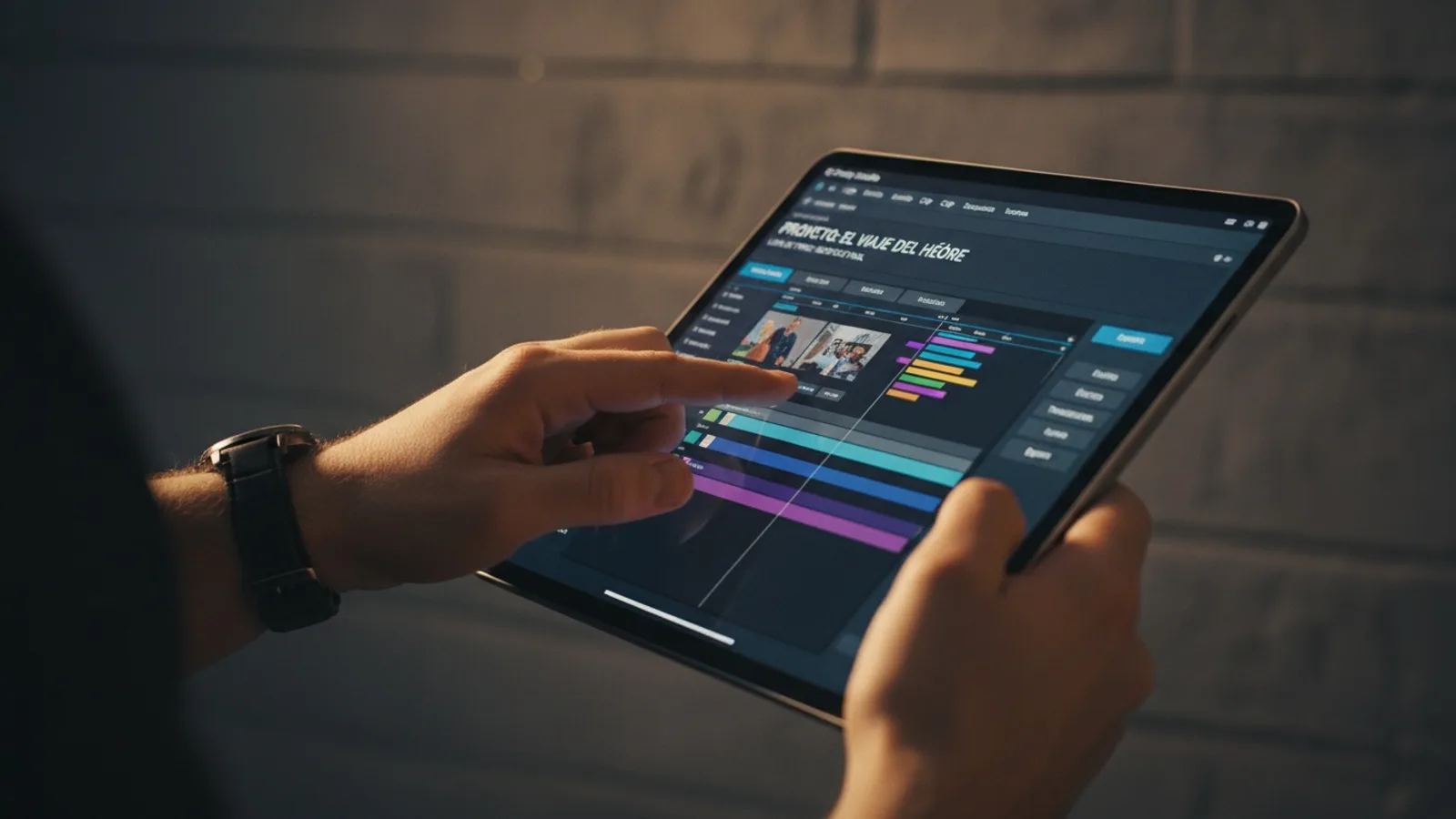
The story you imagine shouldn't be limited by language. Cinely's AI movie maker is built from the ground up to support creators around the world. It tackles this in two distinct, powerful ways: through the language of the platform you use to create, and the language your stories are generated in. Whether you're directing a sci-fi epic or a romantic drama, these features ensure the creative process feels native to you. Understanding how these Cinely languages systems work independently gives you complete creative control, from the first prompt to the final shareable movie.
17 Languages for the Creative Interface
You control the app in the language you think in. Cinely's entire interface—from menus and buttons to tooltips and settings—is fully localized. You can set your dashboard, project editor, and library view to any of the 17 supported languages. This is your workspace language.
Currently, you can use the platform in English, Vietnamese, Spanish, Portuguese, German, French, Italian, Russian, Japanese, Korean, Arabic, Hindi, Malay, Indonesian, Swedish, Filipino, and Chinese.
This translation goes deeper than swapping words. For languages like Arabic, the interface correctly displays from right-to-left, mirroring how you naturally read and interact with digital content. Layouts, navigation flows, and button placements are adapted. The goal is to make the technical side of creation disappear, letting you focus purely on directing scenes, designing characters, and building plots without a language barrier on your tools.
The Language of Your Story and Characters
The interface language is one thing. The language your movie's story, dialogue, and captions are generated in is another—and you have full, separate control here. When you start a new project, you decide the primary language for your narrative's content.
You have two clear options:
- Manual Selection: Choose the specific language you want your script written in from a list.
- Auto-Detect: Let the AI analyze your initial text prompts and automatically continue the story in that same language.
This separation is deliberate and powerful. Consider these creator scenarios:
- A creator in Tokyo might prefer a Japanese interface for comfort but want to generate a thriller story in English to share on international platforms.
- A writer in Mexico might use the Spanish interface to craft a detailed prompt for a family drama, and then generate the full script in Spanish to capture authentic local dialogue.
- A polyglot creator might brainstorm initial scene ideas in French, using auto-detect, then switch the generation language to Italian for a different project about a romance in Rome.
The two systems work independently to give you maximum flexibility for both your workflow and your target audience.
How to Set Your Preferred Languages: A Step-by-Step Guide
Configuring your languages is a simple, one-time setup that tailors your entire Cinely experience.
To Set Your Interface Language:
- Click on your profile icon in the top corner of any Cinely page.
- Go to Settings or Account Preferences.
- Find the "App Language" or "Interface Language" dropdown menu.
- Select from the list of 17 options. The change takes effect immediately, refreshing your dashboard, the /studio editor, and your library.
To Set Your Project's Story Generation Language:
- Start a new project from the /create page or within your studio.
- In the project setup panel, before you write your first prompt, look for the "Story Language" or "Generate In" setting.
- Here, you will see the same list of languages. Choose one, or select the "Auto-detect from my prompt" option.
- This setting is locked in for that project but can be changed for every new movie you start.
Pro Tip: Bookmark the /studio page after setting your interface language. It becomes your personalized, familiar command center for all projects.
Crafting Movies for a Global Audience
Multilingual support isn't just about the creation process—it's about connection and strategy. Creating in your native language often leads to more authentic, nuanced stories because you're working without internal translation. The ability to then generate a story in another language helps you share that vision widely without losing the core narrative.
The AI interprets the cultural and linguistic subtleties within your prompts. This opens up all genres to localized storytelling that resonates deeply. For example:
- Use Hindi prompts to generate a vibrant, dialogue-rich comedy set in Mumbai, with the AI crafting culturally specific humor.
- Write in German to outline a precise, atmospheric mystery with a philosophical tone.
- Employ Korean to develop the intricate character relationships central to a slice of life drama.
This capability is key for creators building an audience. You can create content that feels local and authentic to your primary viewers while using clear, familiar interface controls. It removes a major technical barrier between you and your next big idea, allowing you to compete in a global marketplace from a place of authentic expression.
Avoiding Common Mistakes with Language Settings
A few missteps can interrupt a smooth creative flow. Here’s what to watch for:
- Mixing Up Interface and Story Language: Remember, they are separate. Your Spanish interface won't automatically make the AI generate in Spanish. Always check the "Story Language" setting in your project setup.
- Forgetting to Set Project Language: If you start typing prompts without setting this, the AI may default to a language you didn't intend. Make it the first step in your project setup ritual.
- Overlooking Auto-Detect for Multi-Lingual Prompts: If your initial prompt accidentally mixes words from two languages, auto-detect might choose the wrong one. For critical projects, manually selecting the generation language is safer.
- Not Exploring Genre-Specific Language Nuances: The AI's generation can adapt to genre conventions within a language. A Japanese horror story will use different vocabulary and pacing than a Japanese romance. Guide it with clear genre tags in your prompts.
Your Creative Process, Your Language
Ultimately, Cinely’s language features are about reducing friction and expanding possibility. The tools should adapt to you, not the other way around. By decoupling the interface language from the story generation language, the platform acknowledges that modern creators operate in a global, multilingual context. Your workflow might involve brainstorming in one language, fine-tuning prompts in another, and publishing for an audience that speaks a third.
Whether you're exploring intricate fantasy worlds or crafting a tense action sequence, starting in a language you're completely comfortable with lets you focus on creativity, not translation. The technical details are handled for you, allowing you to spend more energy on what matters: visualizing scenes, developing character arcs, and telling compelling stories.
This foundation makes the platform accessible, whether you're a first-time creator or building a cinematic universe. The ability to watch and explore movies from creators worldwide in the /watch section further immerses you in this global creative community. If you're ready to start a project in your language, begin your next movie on the create page. The interface will guide you from there, in the words you choose.
- Can I use the Cinely interface in Arabic or Hindi?
- Yes. The Cinely platform interface is fully available in both Arabic and Hindi, along with 15 other languages. For Arabic, the interface correctly displays in a right-to-left layout that matches standard reading direction. You set this preference in your account settings, and it applies to all menus, buttons, and navigation throughout the app.
- Do I need to use English to generate the best AI movies?
- No. The language you generate your story in is a separate choice from the interface language. You can generate your movie's script, dialogue, and captions in any of the supported languages, regardless of which one you use for the app's menus. The AI is designed to work with the narrative prompts you provide in your chosen generation language.
- How does the auto-detect feature work for story language?
- When you enable auto-detect for your project, the AI analyzes the primary text prompts you write to determine their language. It then uses that detected language as the basis for generating the subsequent story, character dialogue, and scene descriptions. This is useful if you naturally brainstorm in one language and want the AI to continue in that same vein.
- Can I change the language of a movie after I've started creating it?
- The interface language can be changed at any time in your settings, affecting your view of all projects. However, the story generation language is typically set at the project's inception. For significant changes to the narrative language after generation, you would likely need to start a new project or extensively edit the generated script.
Written with AI assistance and edited by the Cinely Team.