
AI Movie Maker App vs. Web: Where to Create
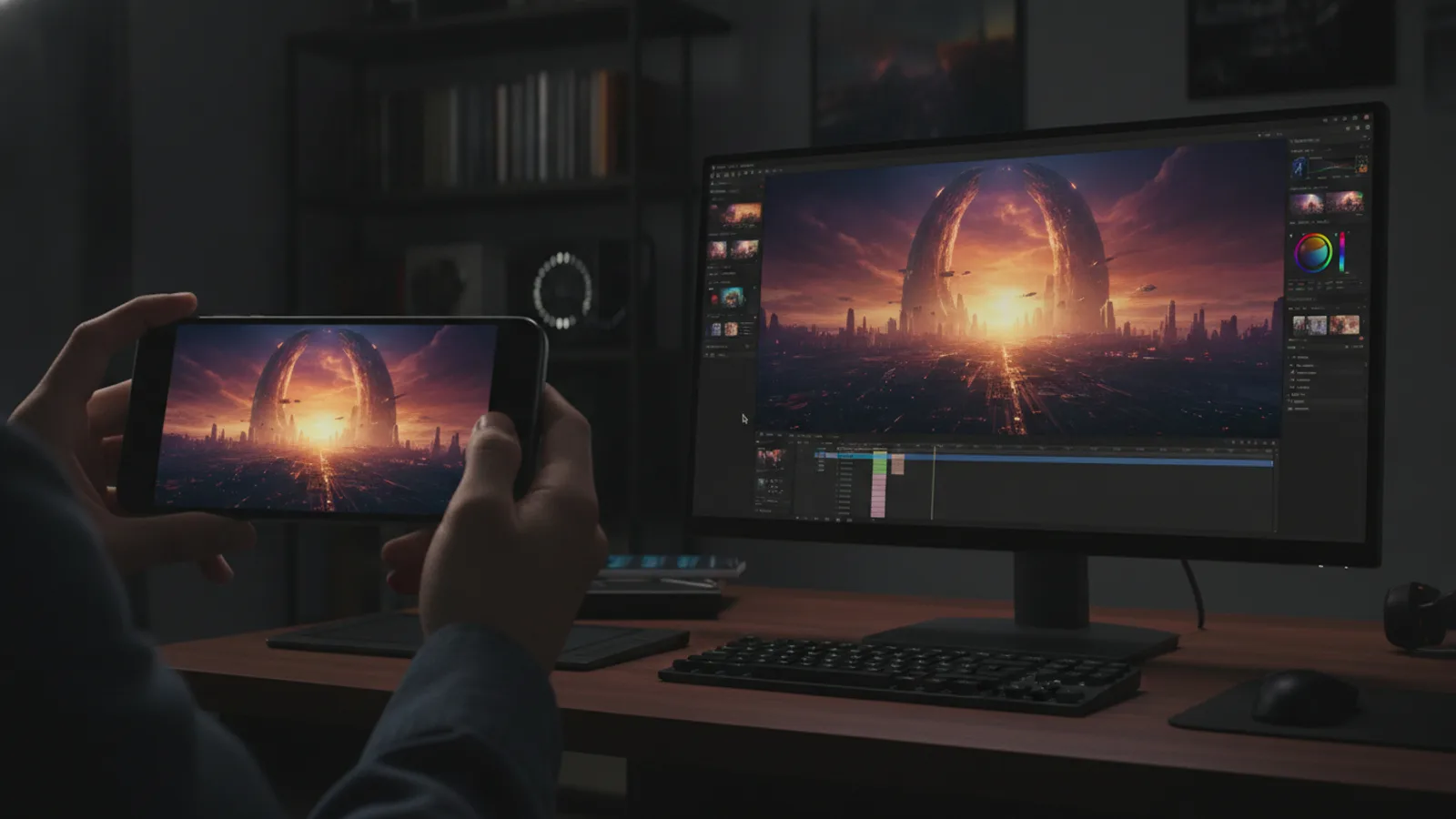
Choosing the right tool for your AI movie project affects your workflow. Your ideas may strike anywhere, but where you build them matters. Cinely provides both a full-featured web platform and dedicated mobile apps for iOS and Android. Your account, projects, and coins sync seamlessly between them. The best choice depends on your creative context: are you sketching a quick idea or crafting a detailed narrative? Understanding the strengths of each interface helps you move fluidly from a simple concept on your phone to a polished edit on your computer. Your AI movie maker app vs web decision doesn't lock you into one platform; it's about using the right tool at the right time.
The Mobile App: Creation in Your Pocket
Your smartphone is the ultimate idea-capture device, and the Cinely mobile app turns it into a pocket movie studio. When inspiration hits—during a commute, in a waiting room, or just before bed—you can open the app and start building. Generate scenes, edit dialogue, and piece together sequences directly from your phone. The interface is designed for touch, making it intuitive to swipe and tap your way through a narrative. It's perfect for drafting a short film in the comedy genre or quickly capturing a visual concept before it slips away. Your work saves automatically to the cloud, so when you switch to the web later, everything is exactly as you left it.
The app shines for three jobs in particular. First, fast ideation: jot a prompt and generate a single scene to test whether a concept has legs. Second, micro-edits: tweak a line of dialogue or swap a shot while you're away from your desk. Third, content for vertical, social-first formats, where a phone screen mirrors the aspect ratio your audience will actually watch. Treat the app as your sketchbook, not your final cut.
The Web Platform: Your Creative Command Center
For longer, more complex editing sessions, the web platform is your primary workspace. The larger screen makes it easier to manage detailed timelines, fine-tune prompts for multiple characters, and review longer sequences in context. If you're developing an intricate sci-fi universe or a multi-part creator series, the web is where you'll likely do your most intensive work. You have more room to organize assets, write detailed scene descriptions, and experiment with different narrative paths without the constraints of a small screen. It's where a rough draft from your phone can be expanded, refined, and polished into a complete movie ready for your audience. When you're ready to build something serious, start a new project on the web and let the bigger canvas do the heavy lifting.
Syncing Your Creative Universe
Your creative identity is not tied to a single device. The core advantage of using Cinely is that your entire creative universe stays in sync. You can start a romantic short on your iPad during lunch, add a few more scenes from your Android phone later, and then open the project on your laptop's browser for the final edit. All your coins are shared, so a purchase or Premium upgrade on one platform is available on all of them. This fluidity means you never have to choose definitively between the AI movie app and the web; you use both in a complementary workflow. It removes the friction of transferring files or worrying about which version is current.
Workflow Scenarios: When to Use Which
Consider your typical creative patterns. If your process involves capturing spontaneous ideas, the app is your constant companion—ideal for bite-sized content, responding to trends, or building a scene from a single powerful image. The web platform, accessible from any computer, excels during dedicated creation time. This is where you might craft a longer narrative for the horror genre, which demands careful pacing and atmosphere. For many creators, the ideal cycle is: ideate and draft on mobile, then expand and perfect on the web. This hybrid approach leverages the unique strengths of both interfaces.
Here is a simple checklist to decide in the moment:
- Reach for the app when you have a fleeting idea, a few spare minutes, or you're reviewing how a draft looks on a small screen.
- Reach for the web when you're blocking out a full timeline, directing several characters, or doing the final polish before you publish.
- Use both in sequence: draft on the phone, finish on the desktop, and let cloud sync carry the project between them.
Common Mistakes to Avoid
A few habits trip up new creators. The first is treating the app as a full editing suite and getting frustrated by the smaller canvas—save the heavy timeline work for the web. The second is generating dozens of scenes without a loose outline first; even a one-line beat sheet keeps your spend on coins efficient and your story coherent. The third is forgetting to let a project finish saving before switching devices; give the cloud a moment to sync so your latest edit follows you. Avoiding these keeps the app-to-web handoff smooth instead of stressful.
Getting Started on Both Platforms
Starting is simple. You can create an account directly on the Cinely website or by downloading the app from your device's official store. Whichever you choose first, your profile is immediately ready on the other. Many creators begin by exploring the watch feed on their phone to see what's possible, then jump into creating their first scene. There's no wrong entry point. As your projects grow in ambition, you'll naturally gravitate toward using both platforms. The tools are the same; the context changes. Your choice between the AI movie maker app vs web isn't permanent—it's situational, giving you the flexibility to create anywhere, anytime.
- Do I need to pay separately for the app and web version?
- No. Cinely is a single service accessed through different interfaces. Your account, subscription status like <a href="/premium">Premium</a>, and <a href="/coins">coins</a> are fully synchronized across the web platform and mobile apps. You can use both with one account.
- Can I edit the same movie project on my phone and computer?
- Yes, absolutely. All your projects are stored in your cloud account. You can start a movie on your phone, save it, and open the exact same project later on the web platform to continue editing. The sync is automatic and seamless.
- Is the AI movie creation process different on the app versus the web?
- The core creation process—generating scenes with AI, editing scripts, arranging sequences—is fundamentally the same. The web interface may offer a more expansive view for complex timelines, while the app is optimized for quick, on-the-go creation using touch gestures.
Written with AI assistance and edited by the Cinely Team.